
1
Select the item
Choose a menu item with pre-configured options. Its available option groups appear in a window.
2
Choose the options
Select the required choices, such as Hot or Iced. Review any additional prices and the selection limit displayed for each group.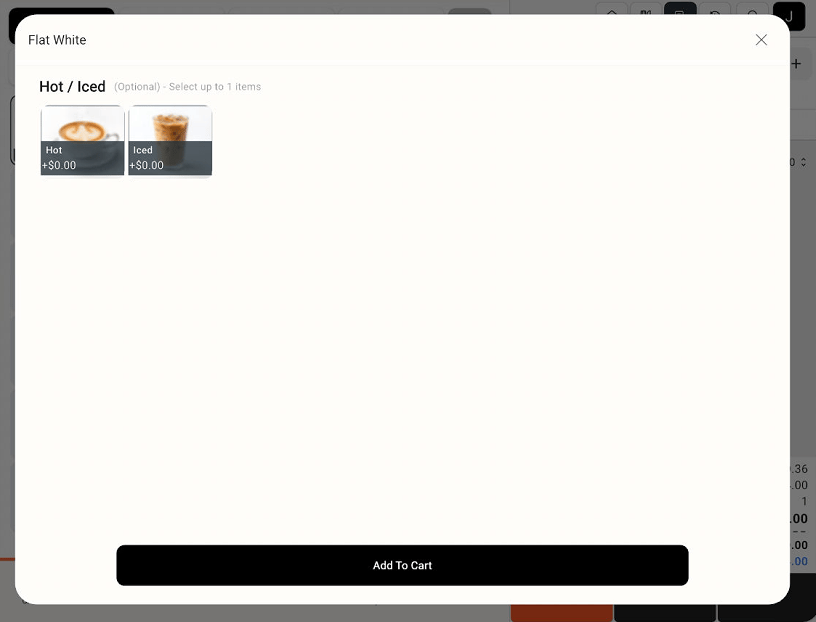
Item options window with Hot and Iced choices and Add To Cart
3
Add the item to the order
Select Add To Cart, then check the item and selected options in the order panel.
The options shown depend on the groups assigned to that menu item.