
Update Company Details
1
Open Company Details
Select Company Settings, open Business, and expand Company Details.
2
Review the business information
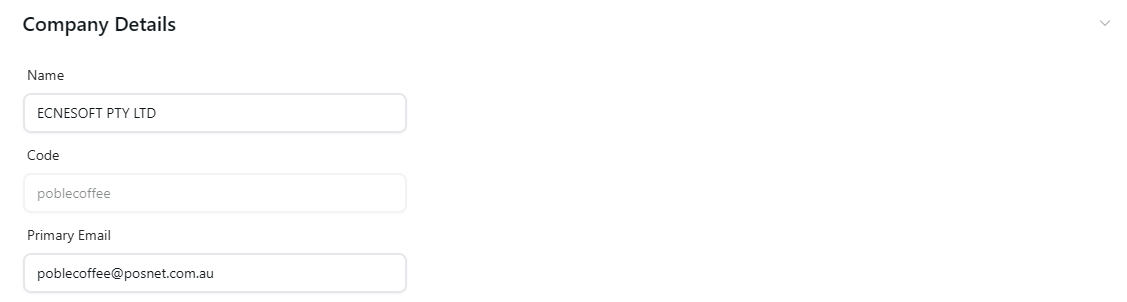
Check the company Name, Code, and Primary Email shown in the section. Update the fields that are editable and need changing.
3
Apply the updates
Review the changes and use the page’s available controls to apply them.
Keep company business information up to date.