
Set Up Your Store
1
Choose how to enter store details
On Set up store, use Create a store with the same details as the company when your store and company share the same details. If they differ, clear the checkbox and enter your store details.
2
Add your store logo
Use the logo upload control to add an image for your store.
3
Review the store details
Check that the details belong to the location you are setting up, then continue to the subscription stage of the setup flow.
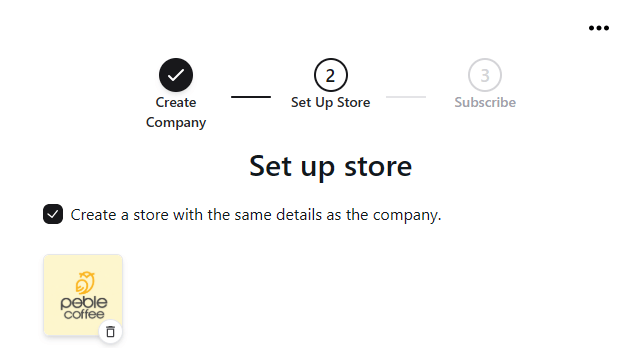
Create your first store and add its details and logo.
You can create additional locations later from Stores using Add Store.