
Manage Admin Profiles
1
Open Profile
In the company view, select Profile from the sidebar.
2
Update the details
On the Details tab, review and update Name, Email, Contact (optional), and Address as needed.
3
Save the profile
Select Save to apply your changes.
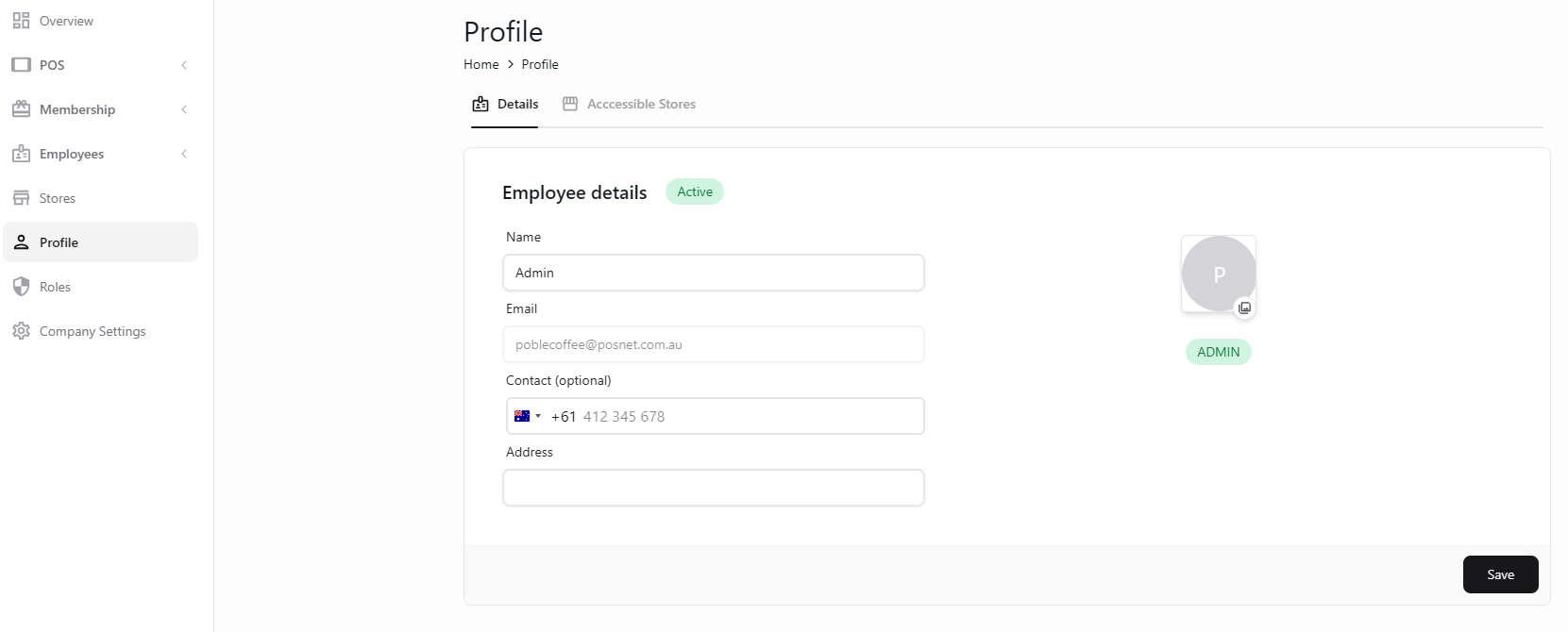
View and update administrator details in Profile.
Store access and POS PIN settings are shown on the separate Accessible Stores tab.