
Business Hours
1
Open the correct store
Choose the store from the company/store selector, then select Store Settings.
2
Set daily opening and closing times
Expand Business Hours. Enter the Open and Close times for each day you need to configure.
3
Add a break if needed
Use the break control beside the day to add Break start and Break end times. Use the delete control if a listed break is no longer needed.
4
Review the weekly schedule
Check the daily hours and break times, then apply your changes using the controls available on the page.
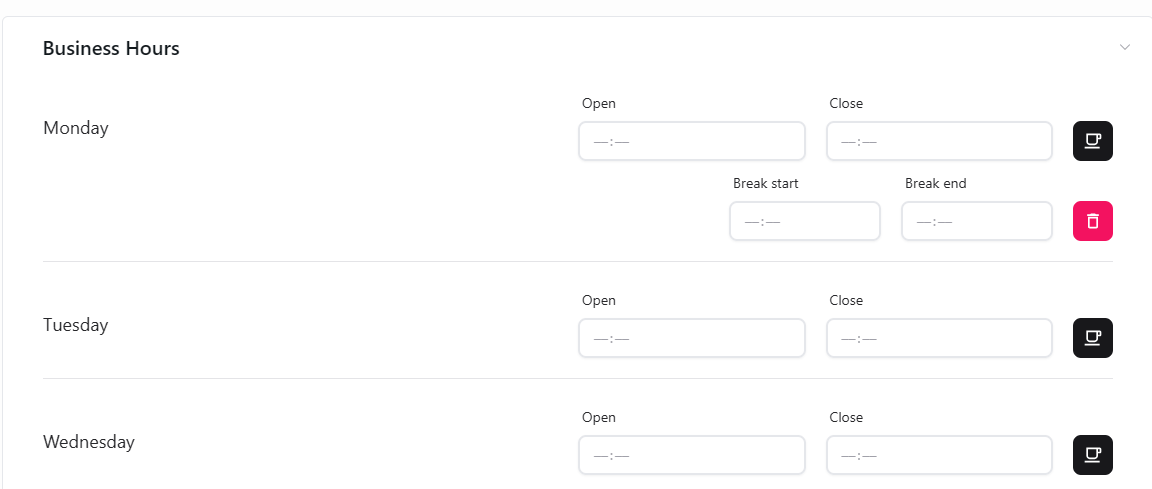
Set opening, closing, and break times for each day.