
Choose Your Subscription Plan
1
Compare the available plans
Read each plan’s feature list and displayed monthly price. The source example shows a Basic plan with dual screen options, takeaway features, menu management, order management, and basic reports.
2
Select a plan
Select the plan you want to use. The selected plan is marked Selected.
3
Review optional features
Continue to Customise with Add-ons to choose any extra features you need.
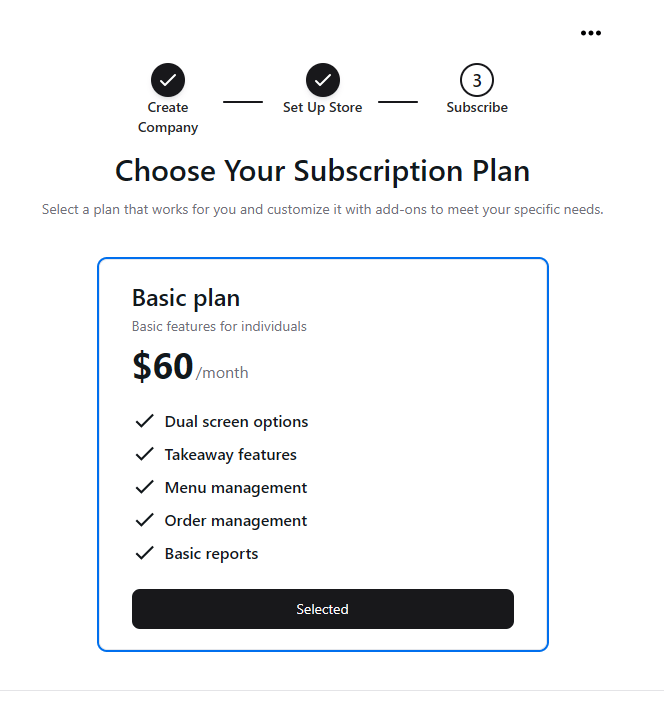
Select a subscription plan that suits your business.
Use the prices and features shown in your current setup screen. The screenshot is an example of the source interface.