
Manage Stores
1
Open Stores
Select Stores from the company sidebar.
2
Find a store
Use the Active tab to view active stores. Use the search field to locate a store by name. The source screen also shows Brand, All, and Inactive tabs.
3
Add a location
Select Add Store and enter the details requested for the additional location.
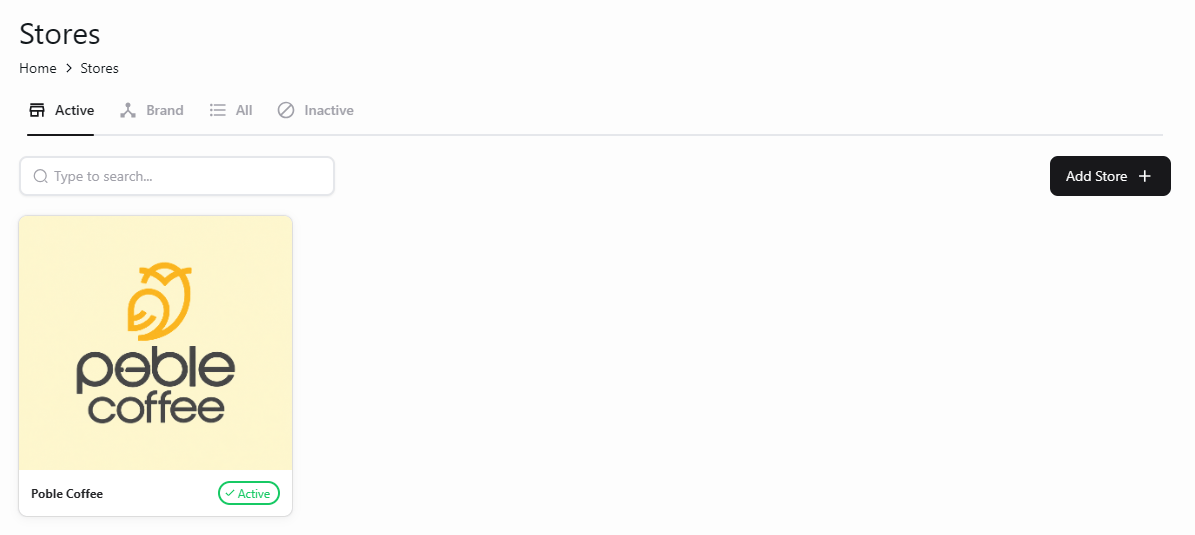
View your company’s stores and add another location.