
Add Your Logo & Banner
1
Open the image settings
Select Company Settings, open Business, and find Images.
2
Upload a logo
Use the upload control under Logo Image. The screen specifies a 1:1 image ratio and explains that the logo appears in the top-left corner of the header.
3
Upload a banner
Use the upload control under Banner Image. The screen specifies a 3:1 image ratio and explains that the banner is used on the sign-in page.
4
Review your branding
Check both image previews and apply any changes using the controls available on the page.
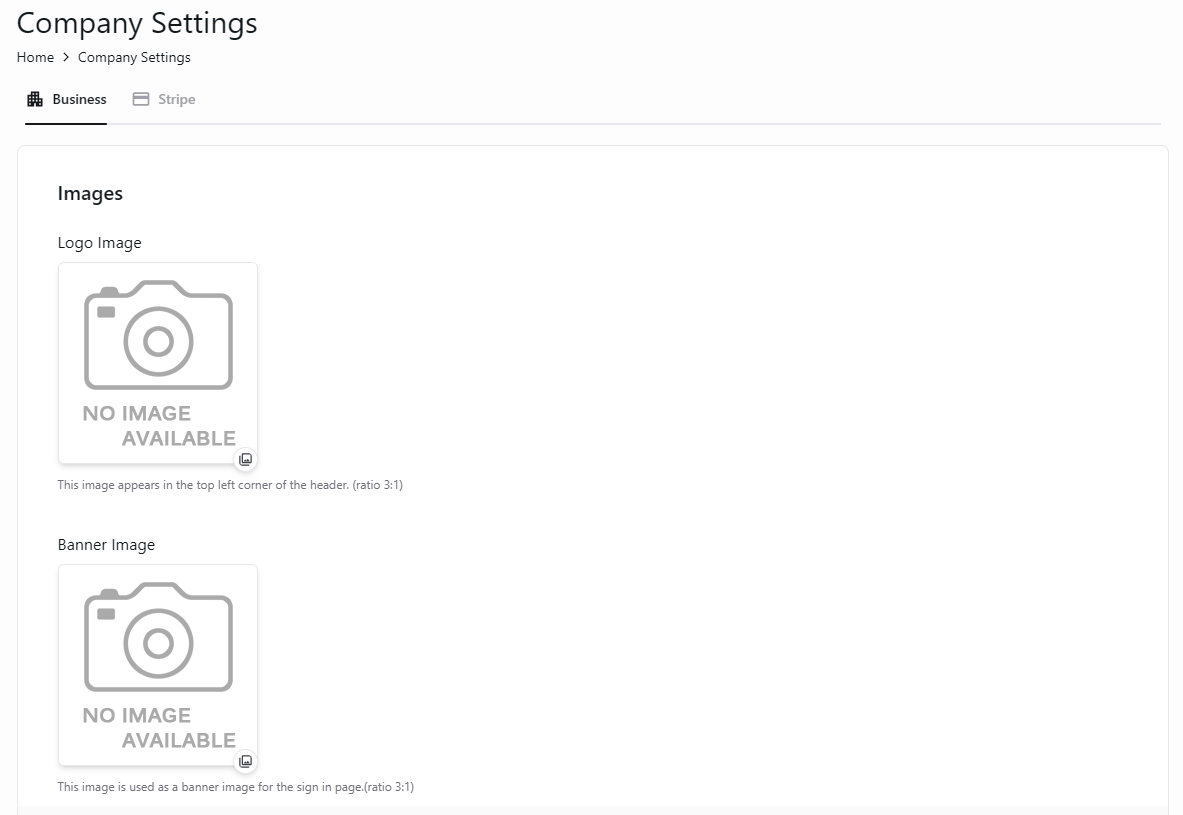
Upload company branding for the header and sign-in page.