
Business Hours Message
1
Open the message section
Select the relevant store, open Store Settings, and find Business Hours Message.
2
Write the notice
Enter a clear message with the affected date and trading hours. For a closure, include when you expect to reopen.
3
Save the message
Select Save below the message field.
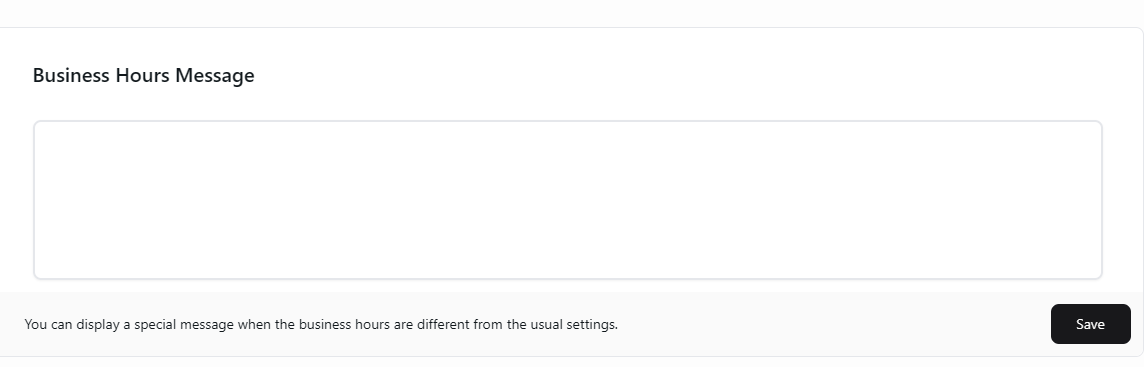
Tell customers about temporary changes to trading hours.