
1
Open Discount Options
Select your main company, then open POS → POS Settings. Find Discount Options.
2
Enter the discount details
Open the form for adding a discount option. Enter Name and Description, then choose Rate or Amount under Type.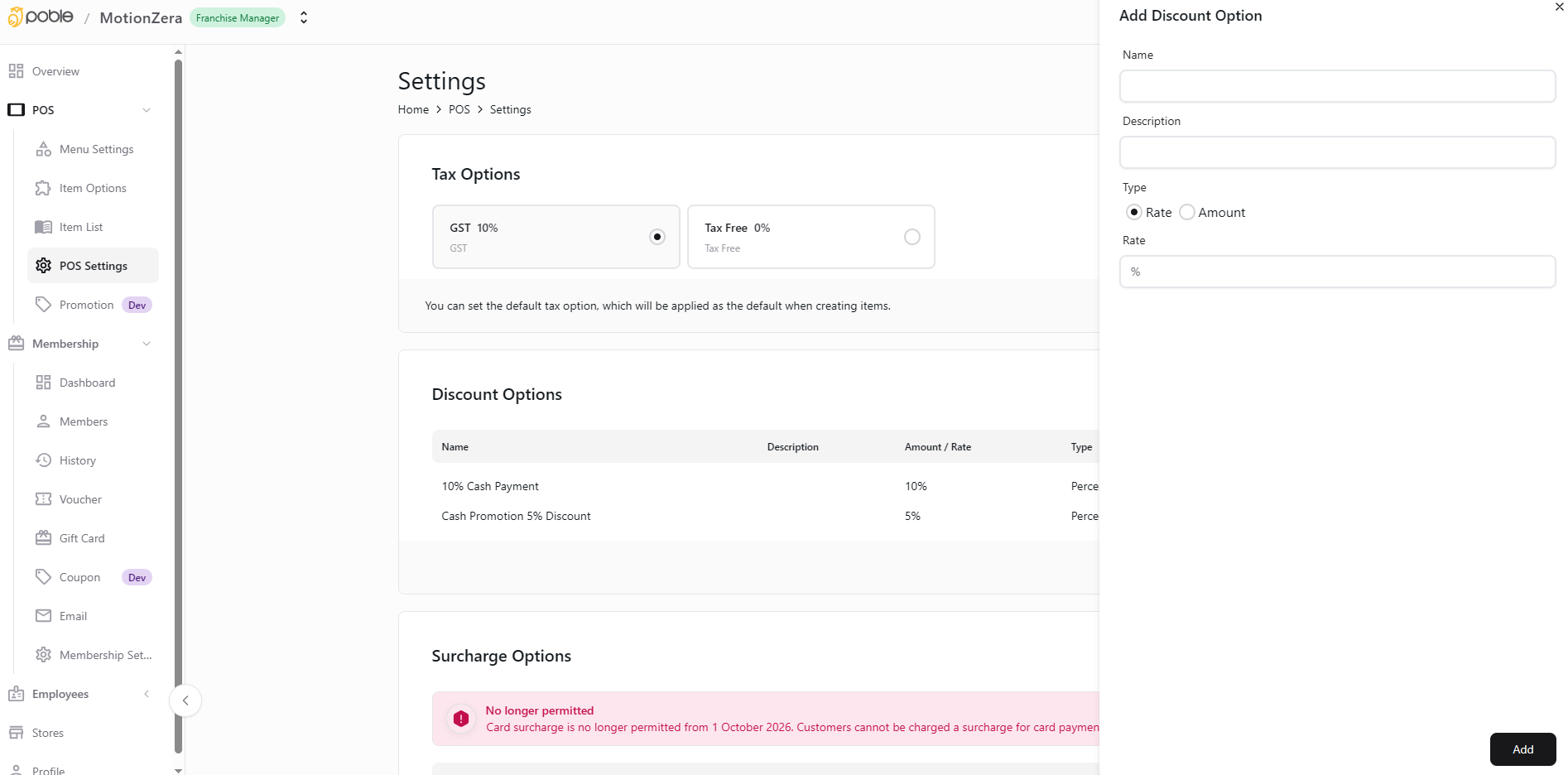
Company POS Settings and Add Discount Option form
3
Set the value and add
Enter the discount rate or amount for the selected type. Review the details and select Add.
4
Review available discounts
Check the entry in Discount Options and review existing options when changes are needed.