Choose your company and open the menu settings in the backoffice.
Choose your company and open the menu settings in the backoffice.Where: Backoffice → company view → POS → Menu Settings
1
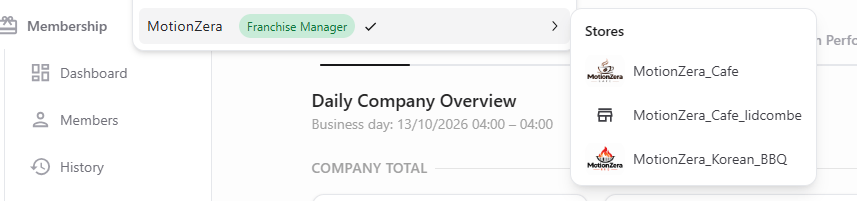
Check the company and store selector
Use the selector at the top of the backoffice to check which company or store you are managing. For company-level menu setup, work in the company view.
Company selector and available stores
2
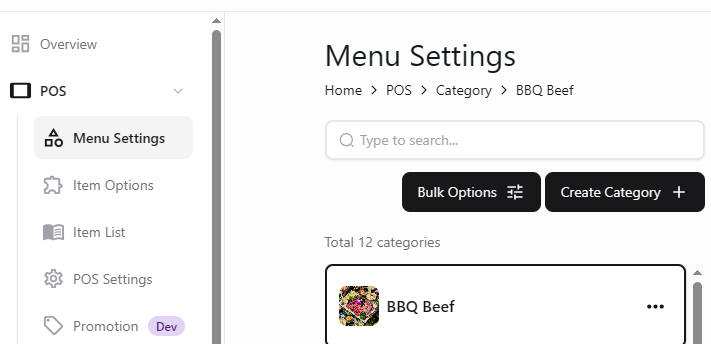
Open Menu Settings
Expand POS in the sidebar and select Menu Settings to view your menu categories and items.
Menu Settings in the company backoffice
Check the selected company or store before making changes. Use the store guides when managing a specific location.