
1
Choose a store
Use the company/store selector to select the location you want to manage. Check the store name displayed in the header.
Selected company and store in the backoffice header
2
Open the store menu
Go to POS → Menu Settings. The categories and menu items shown are associated with the selected store.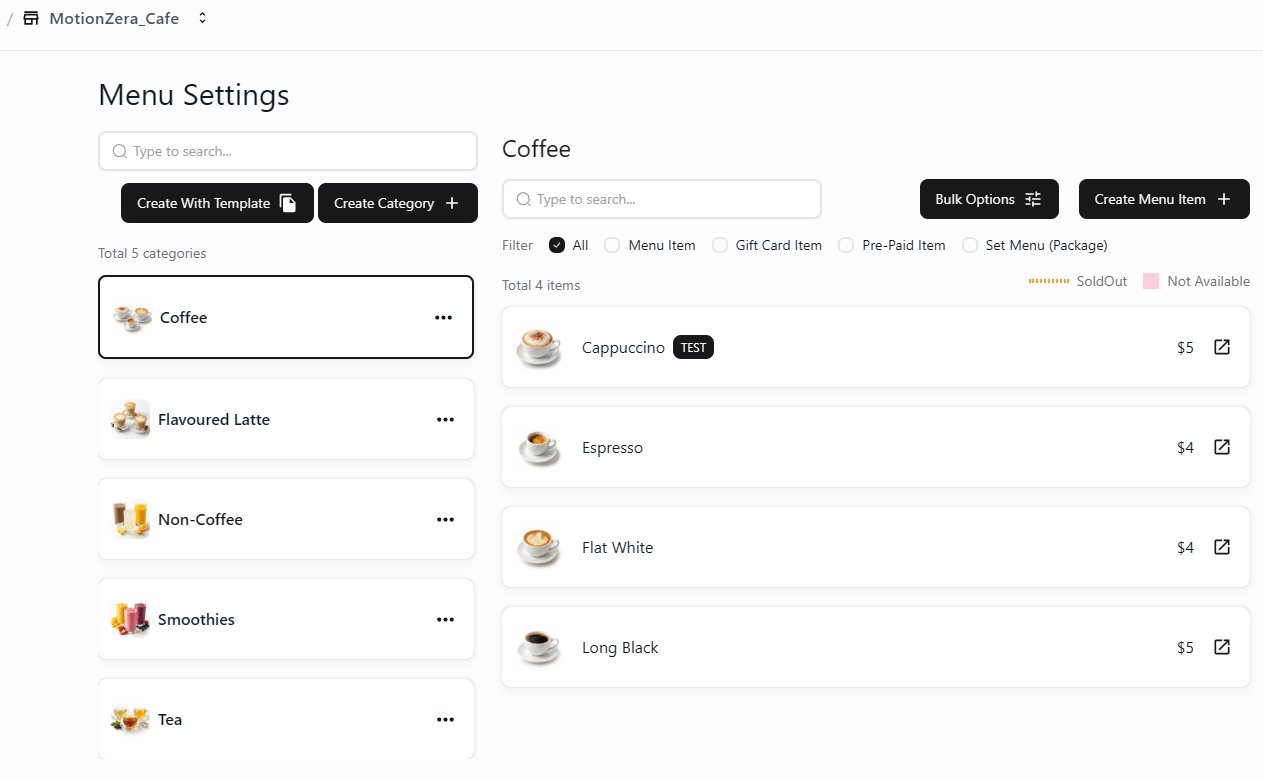
Store-specific menu categories and items