
停用门店
1
选择门店
选择要停用的门店,打开 Store Settings。
2
打开 Danger Zone
展开 Danger Zone,找到 Deactivate Store。
3
检查后果
原始界面提示 Delete the store from the store lists 和 Close all of store’s account information。请确认该操作适合您的门店情况。
4
停用门店
仅在准备好继续时选择 Deactivate。阅读并回应 POBLE 显示的后续提示。
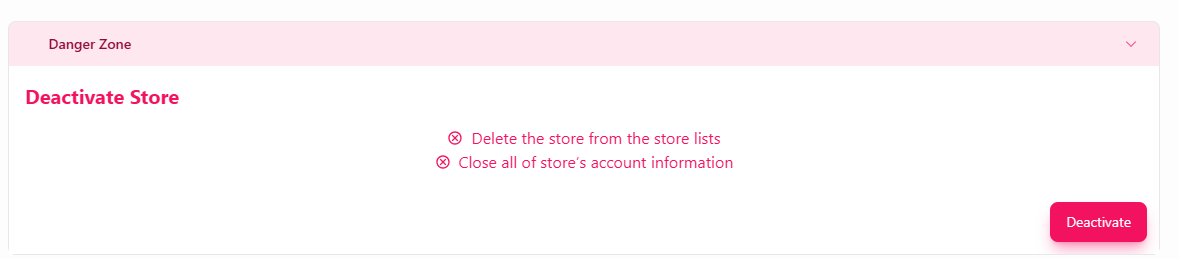
使用 Danger Zone 中的控件停用门店。