> ## Documentation Index
> Fetch the complete documentation index at: https://docs.poble.com.au/llms.txt
> Use this file to discover all available pages before exploring further.
# 门店设置
> 管理门店的营业时间、顾客通知和门店状态。
管理门店的营业时间、顾客通知和门店状态。
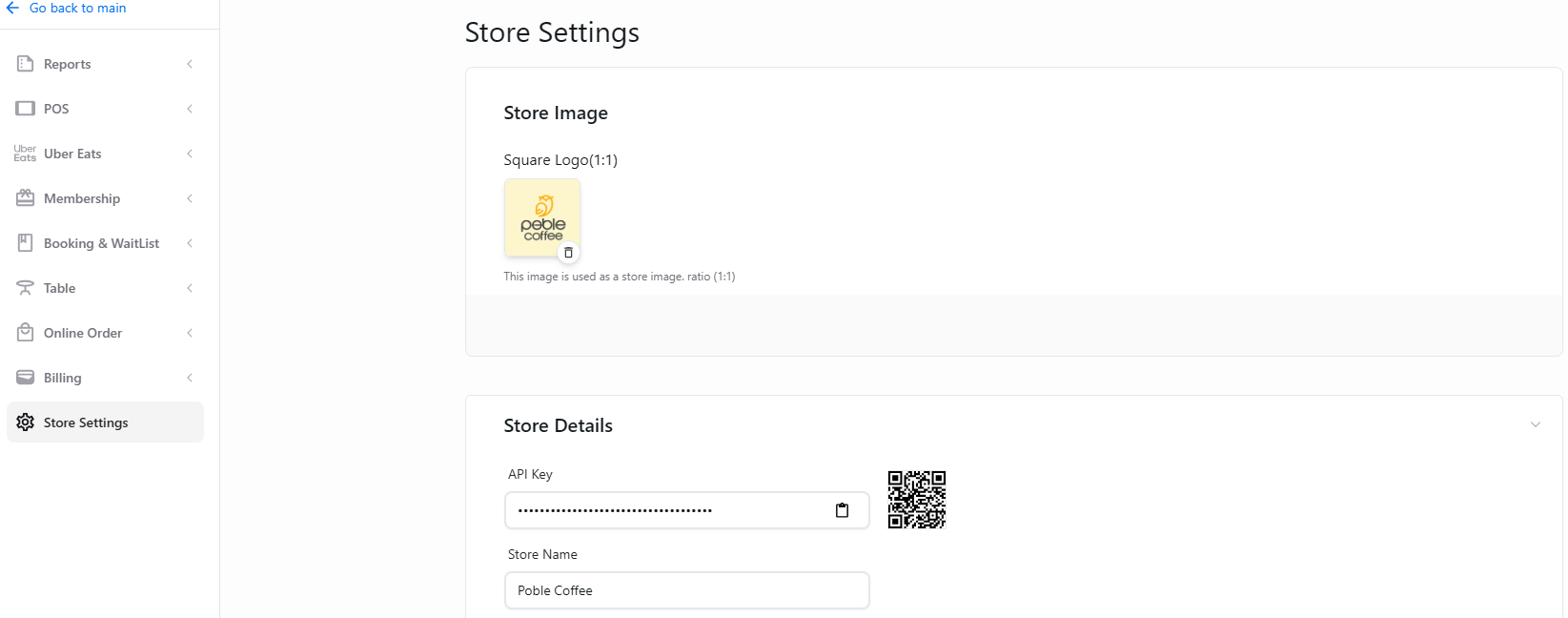
使用公司/门店选择器选择门店,然后在门店侧边栏打开 **Store Settings**。
 为每天设置开始营业、结束营业和休息时间。
向顾客说明营业时间的临时变更。
使用 Danger Zone 中的控件停用门店。
This documentation is built and hosted on [Mintlify](https://mintlify.com), a developer documentation platform.
为每天设置开始营业、结束营业和休息时间。
向顾客说明营业时间的临时变更。
使用 Danger Zone 中的控件停用门店。
This documentation is built and hosted on [Mintlify](https://mintlify.com), a developer documentation platform.