> ## Documentation Index
> Fetch the complete documentation index at: https://docs.poble.com.au/llms.txt
> Use this file to discover all available pages before exploring further.
# 设置门店
> 创建第一家门店,添加门店信息和标志。
创建公司后,设置与 POBLE 账户关联的第一家门店。
## 设置门店
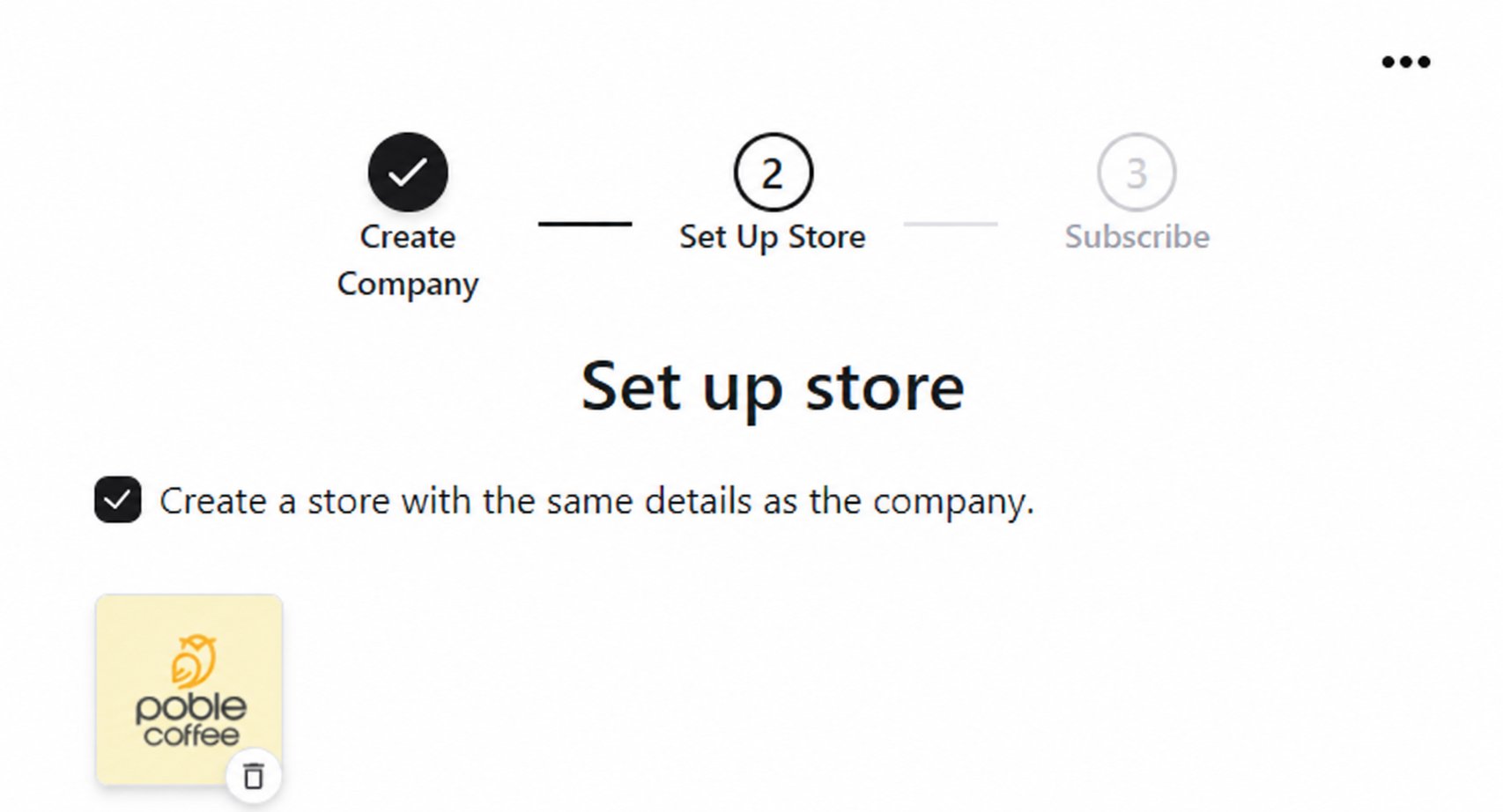
在 **Set up store** 中,如门店与公司信息一致,请选择 **Create a store with the same details as the company**。如不同,请取消勾选并输入门店信息。
使用标志上传控件添加门店图片。
确认信息属于当前设置的门店,然后继续订阅设置。
 之后可通过 **Stores → Add Store** 创建更多门店。
## 相关指南
* [选择订阅方案](/zh/poble-manual/getting-started/choose-your-subscription-plan)
* [管理门店](/zh/poble-manual/company-settings/manage-stores)
This documentation is built and hosted on [Mintlify](https://mintlify.com), a developer documentation platform.
之后可通过 **Stores → Add Store** 创建更多门店。
## 相关指南
* [选择订阅方案](/zh/poble-manual/getting-started/choose-your-subscription-plan)
* [管理门店](/zh/poble-manual/company-settings/manage-stores)
This documentation is built and hosted on [Mintlify](https://mintlify.com), a developer documentation platform.