> ## Documentation Index
> Fetch the complete documentation index at: https://docs.poble.com.au/llms.txt
> Use this file to discover all available pages before exploring further.
# 管理门店
> 查看公司的门店并添加新门店。
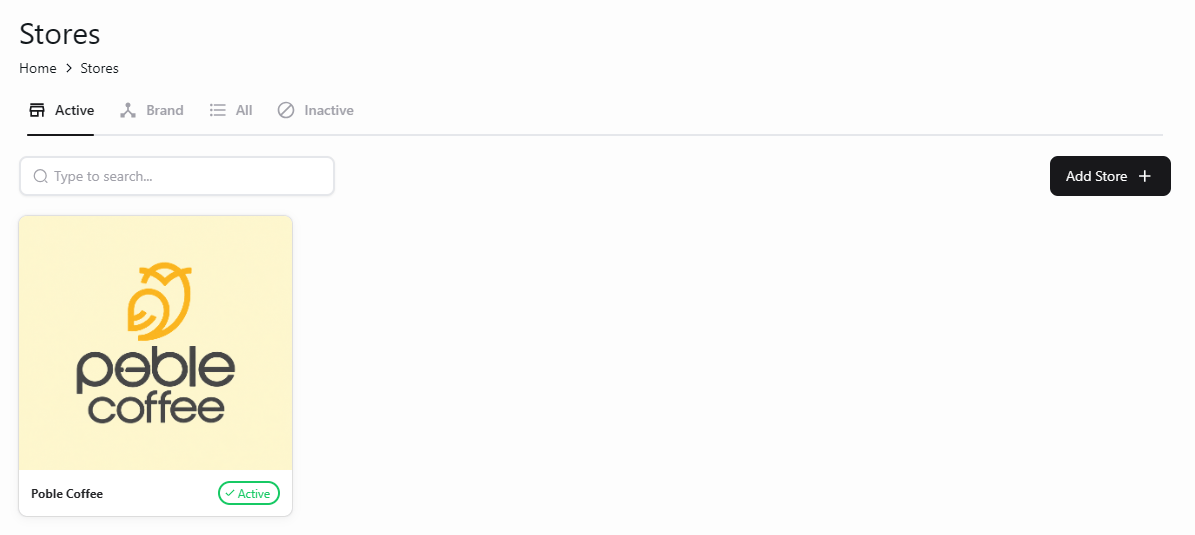
在公司视图的 **Stores** 中查看关联门店。
## 管理门店
在公司侧边栏选择 **Stores**。
在 **Active** 选项卡查看启用中的门店,使用搜索框按名称查找。示例界面还有 **Brand**、**All** 和 **Inactive** 选项卡。
选择 **Add Store**,填写新门店所需的信息。
 添加前请确认所选公司,确保门店关联至正确的公司。
## 相关指南
* [设置门店](/zh/poble-manual/getting-started/set-up-your-store)
* [门店设置](/zh/poble-manual/store-settings/overview)
This documentation is built and hosted on [Mintlify](https://mintlify.com), a developer documentation platform.
添加前请确认所选公司,确保门店关联至正确的公司。
## 相关指南
* [设置门店](/zh/poble-manual/getting-started/set-up-your-store)
* [门店设置](/zh/poble-manual/store-settings/overview)
This documentation is built and hosted on [Mintlify](https://mintlify.com), a developer documentation platform.