> ## Documentation Index
> Fetch the complete documentation index at: https://docs.poble.com.au/llms.txt
> Use this file to discover all available pages before exploring further.
# Store Settings
> Manage a location’s business hours, customer notices, and store status.
Manage a location’s business hours, customer notices, and store status.
Choose a store using the company/store selector, then open **Store Settings** in the store sidebar.
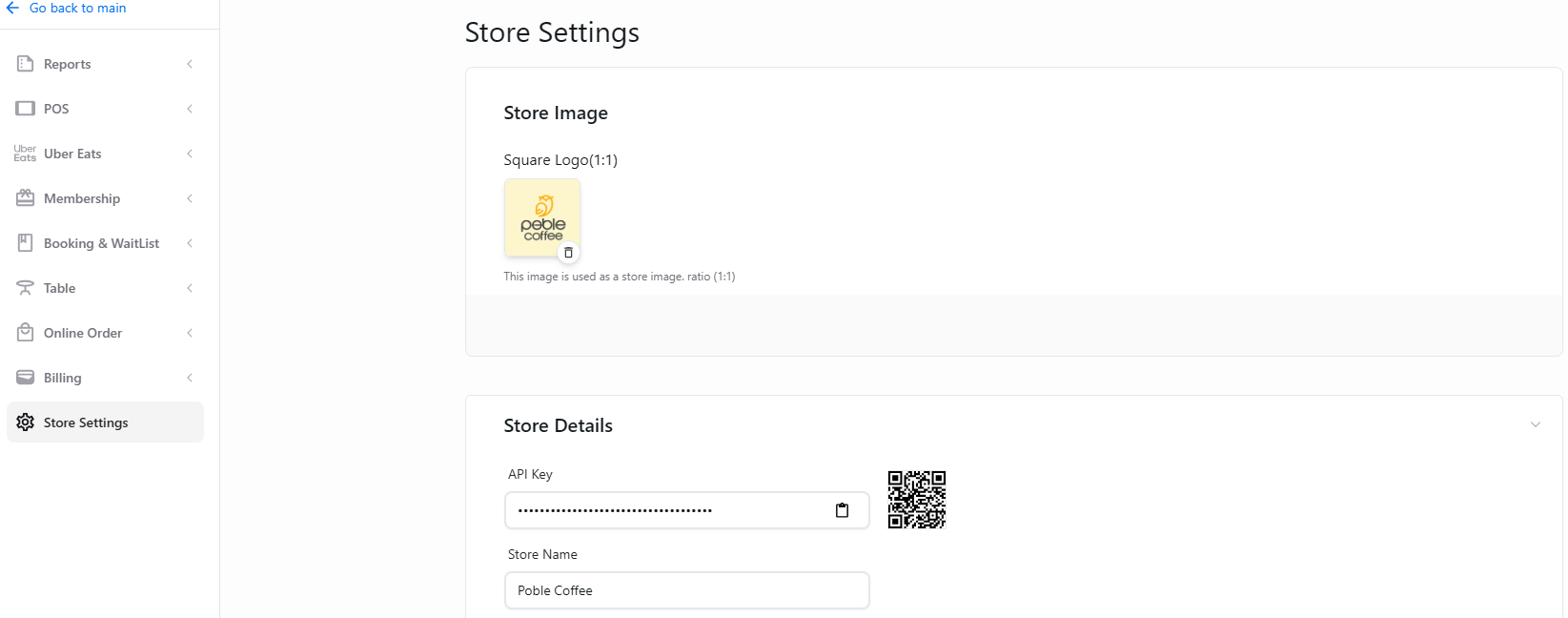 Set opening, closing, and break times for each day.
Tell customers about temporary changes to trading hours.
Use the Danger Zone controls to deactivate a store.
This documentation is built and hosted on [Mintlify](https://mintlify.com), a developer documentation platform.
Set opening, closing, and break times for each day.
Tell customers about temporary changes to trading hours.
Use the Danger Zone controls to deactivate a store.
This documentation is built and hosted on [Mintlify](https://mintlify.com), a developer documentation platform.