> ## Documentation Index
> Fetch the complete documentation index at: https://docs.poble.com.au/llms.txt
> Use this file to discover all available pages before exploring further.
# Business Hours Message
> Tell customers about temporary changes to trading hours.
Add a message when your hours differ from the usual schedule, including public holidays, special trading hours, or temporary closures.
## Business Hours Message
Select the relevant store, open **Store Settings**, and find **Business Hours Message**.
Enter a clear message with the affected date and trading hours. For a closure, include when you expect to reopen.
Select **Save** below the message field.
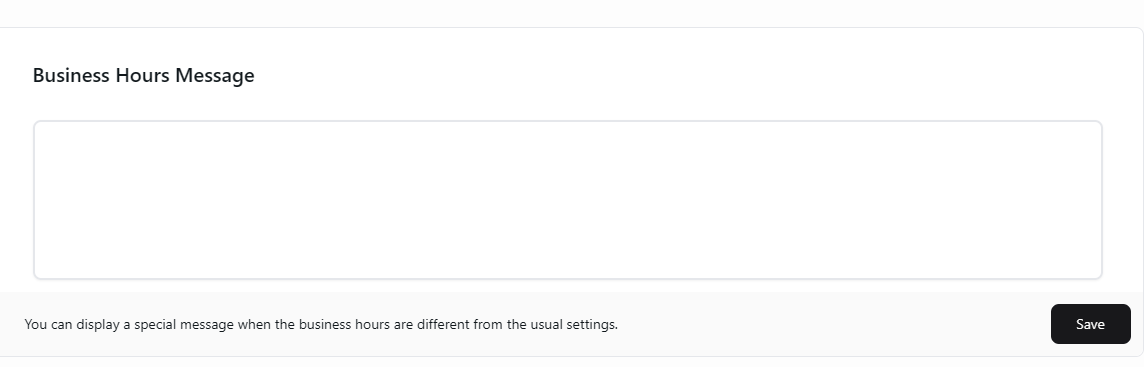 Example: “We will be closed on 25 December and reopen on 26 December at 9 am.” Update the message when it is no longer relevant.
## Related guides
* [Set regular business hours](/poble-manual/store-settings/business-hours)
This documentation is built and hosted on [Mintlify](https://mintlify.com), a developer documentation platform.
Example: “We will be closed on 25 December and reopen on 26 December at 9 am.” Update the message when it is no longer relevant.
## Related guides
* [Set regular business hours](/poble-manual/store-settings/business-hours)
This documentation is built and hosted on [Mintlify](https://mintlify.com), a developer documentation platform.