> ## Documentation Index
> Fetch the complete documentation index at: https://docs.poble.com.au/llms.txt
> Use this file to discover all available pages before exploring further.
# Update Company Details
> Keep company business information up to date.
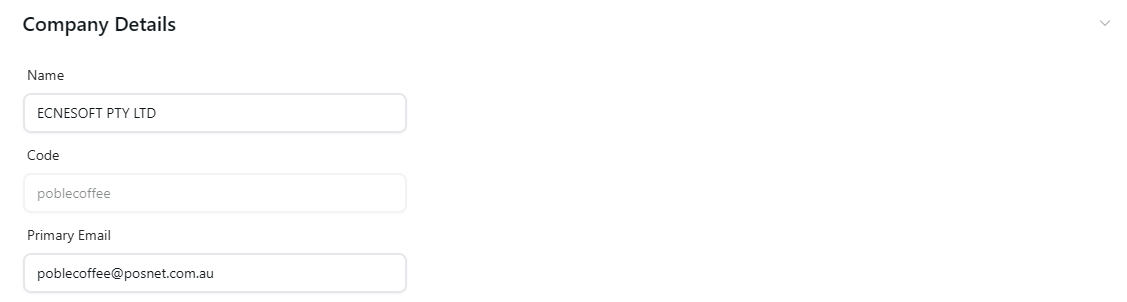
Review your business information in **Company Details**.
## Update Company Details
Select **Company Settings**, open **Business**, and expand **Company Details**.
Check the company **Name**, **Code**, and **Primary Email** shown in the section. Update the fields that are editable and need changing.
Review the changes and use the page’s available controls to apply them.
 Check the primary email whenever your business contact details change.
## Related guides
* [Add your logo and banner](/poble-manual/company-settings/add-your-logo-banner)
This documentation is built and hosted on [Mintlify](https://mintlify.com), a developer documentation platform.
Check the primary email whenever your business contact details change.
## Related guides
* [Add your logo and banner](/poble-manual/company-settings/add-your-logo-banner)
This documentation is built and hosted on [Mintlify](https://mintlify.com), a developer documentation platform.