> ## Documentation Index
> Fetch the complete documentation index at: https://docs.poble.com.au/llms.txt
> Use this file to discover all available pages before exploring further.
# 매장 설정
> 지점의 영업시간, 고객 안내, 매장 상태를 관리합니다.
지점의 영업시간, 고객 안내, 매장 상태를 관리합니다.
회사·매장 선택기에서 매장을 선택한 뒤 매장 사이드바의 **Store Settings**를 여세요.
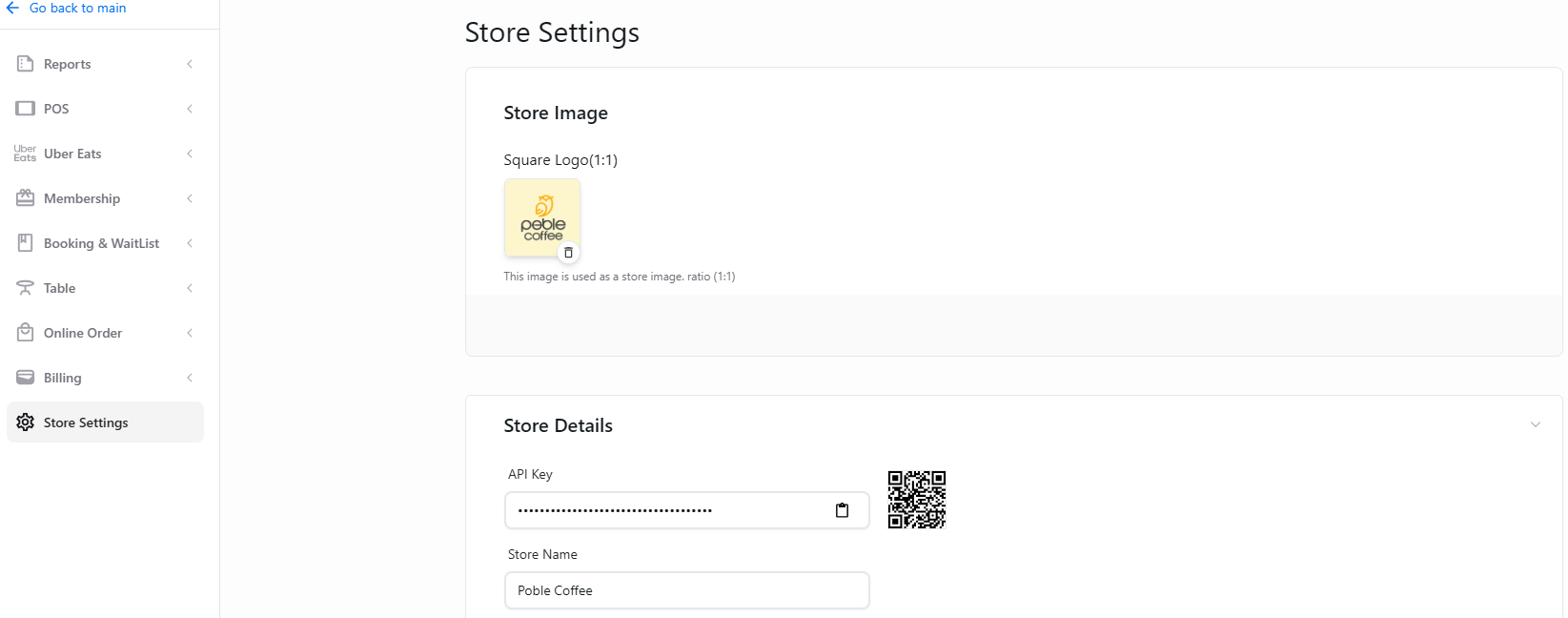 요일별로 개점, 폐점, 휴식 시간을 설정합니다.
영업시간의 일시적인 변경 사항을 고객에게 알립니다.
Danger Zone에서 매장을 비활성화합니다.
This documentation is built and hosted on [Mintlify](https://mintlify.com), a developer documentation platform.
요일별로 개점, 폐점, 휴식 시간을 설정합니다.
영업시간의 일시적인 변경 사항을 고객에게 알립니다.
Danger Zone에서 매장을 비활성화합니다.
This documentation is built and hosted on [Mintlify](https://mintlify.com), a developer documentation platform.